DevHub manual
How to use the Pidgeroo DevHub, section by section.
DevHub is the studio's shared workspace. It brings together what is otherwise spread over chats and spreadsheets: meetings, tasks, bug reports, builds, votes, playtests, time, expenses and the people who help make the game. Documents stay in Outline and files stay in Proton Drive; DevHub links to them.
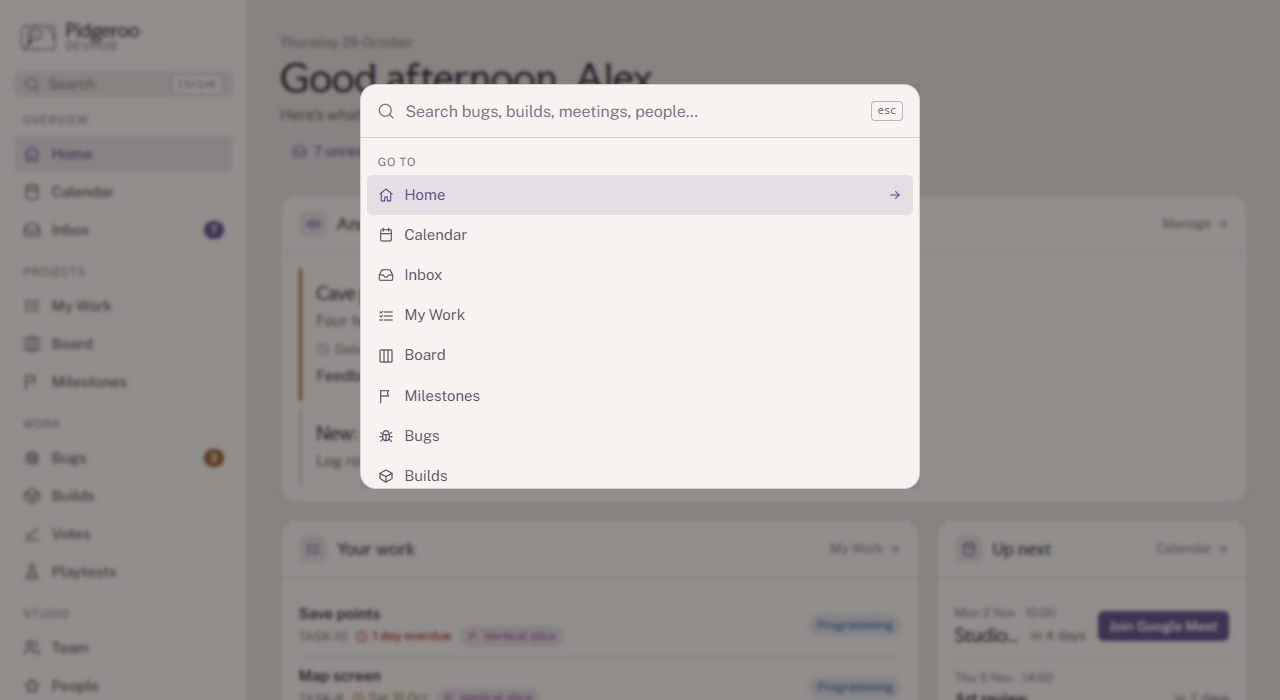
Use the sidebar to move around. Ctrl+K (⌘K on a Mac) opens a search that finds pages, tasks, bugs, builds, meetings and people.
What you can see and do depends on your role (Team Member, External or Playtester) and what admins have set for it. If a section from this manual is missing from your sidebar, your role doesn't have access to it.
Install it as an app
DevHub can run in its own window, like a regular app. In Chrome or Edge, click the Install icon at the right of the address bar (or menu → Install DevHub). On a phone, use Add to Home Screen from the browser's share or menu button. On an iPhone or iPad that's also what makes notifications work.
The Home page
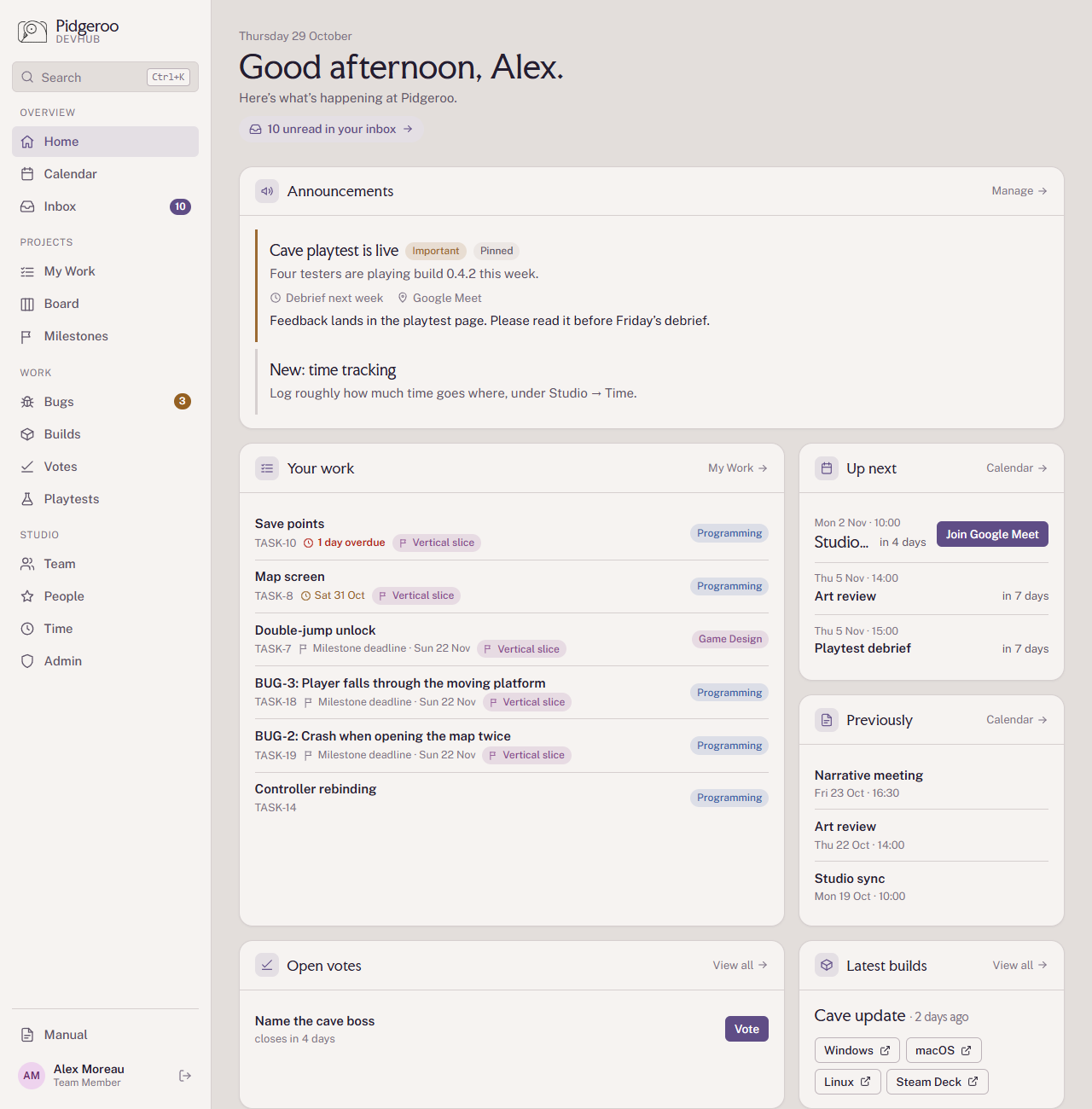
Home is a summary of what matters to you today. From top to bottom:
- N unread in your inbox: a shortcut to your inbox, shown when something is waiting.
- Announcements: news from the admins. Important ones are marked and also land in your inbox; pinned ones stay on top. The card is hidden when there are none.
- Your work: your focus (the tasks you picked to work on now), then your nearest deadlines. My Work shows the full list.
- Up next: the next three meetings, with a countdown and a join button for the first one when it's an online meeting.
- Previously: recent meetings that have notes in Outline, to catch up on what was decided.
- Open votes: votes you can still take part in.
- Latest builds: the newest build with download buttons per platform.
- Links: the studio's shared links, grouped by category.
Your profile
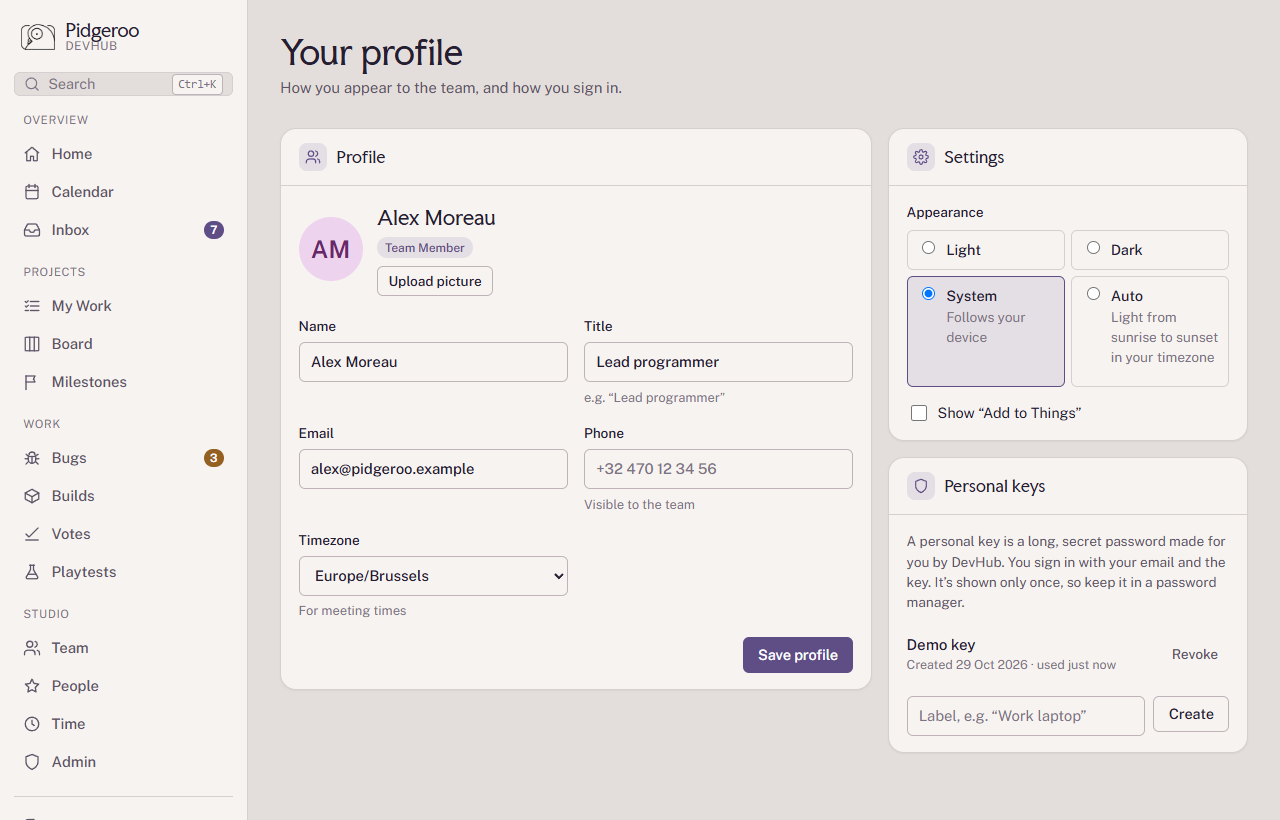
Click your name at the bottom of the sidebar to open your profile. There you set your name, title, phone, timezone (meeting times are shown in it) and profile picture, and manage your personal keys: the long passwords you sign in with, together with your email. A key is shown only once, so keep it in a password manager.
Under Notifications you turn on notifications for the device you're using and choose what you hear about; see Notifications.
Under Settings you choose the look (Light, Dark, System, or Auto, which is light between sunrise and sunset) and whether tasks show an Add to Things button. It adds the task to Things 3 with its deadline, description, a link back, its open checklist items and its tags (Things only uses tags you already have there). Under Your calendars you can add your own calendar, such as your Pidgeroo calendar in Proton, to see it next to the meetings (see Calendar).