Inbox
Everything that's addressed to you, in one place.
The inbox collects what needs your attention: tasks you were given, comments that mention you, deadlines, updates on work you follow, important announcements and messages. You don't have to check every task or page yourself; DevHub brings it to you here.
Items about the same thing are grouped: one card per task, playtest, announcement or conversation. The card says what happened ("Jules assigned you · 2 new comments"), and N updates unfolds the details. The number next to Inbox in the sidebar is everything you haven't read yet.
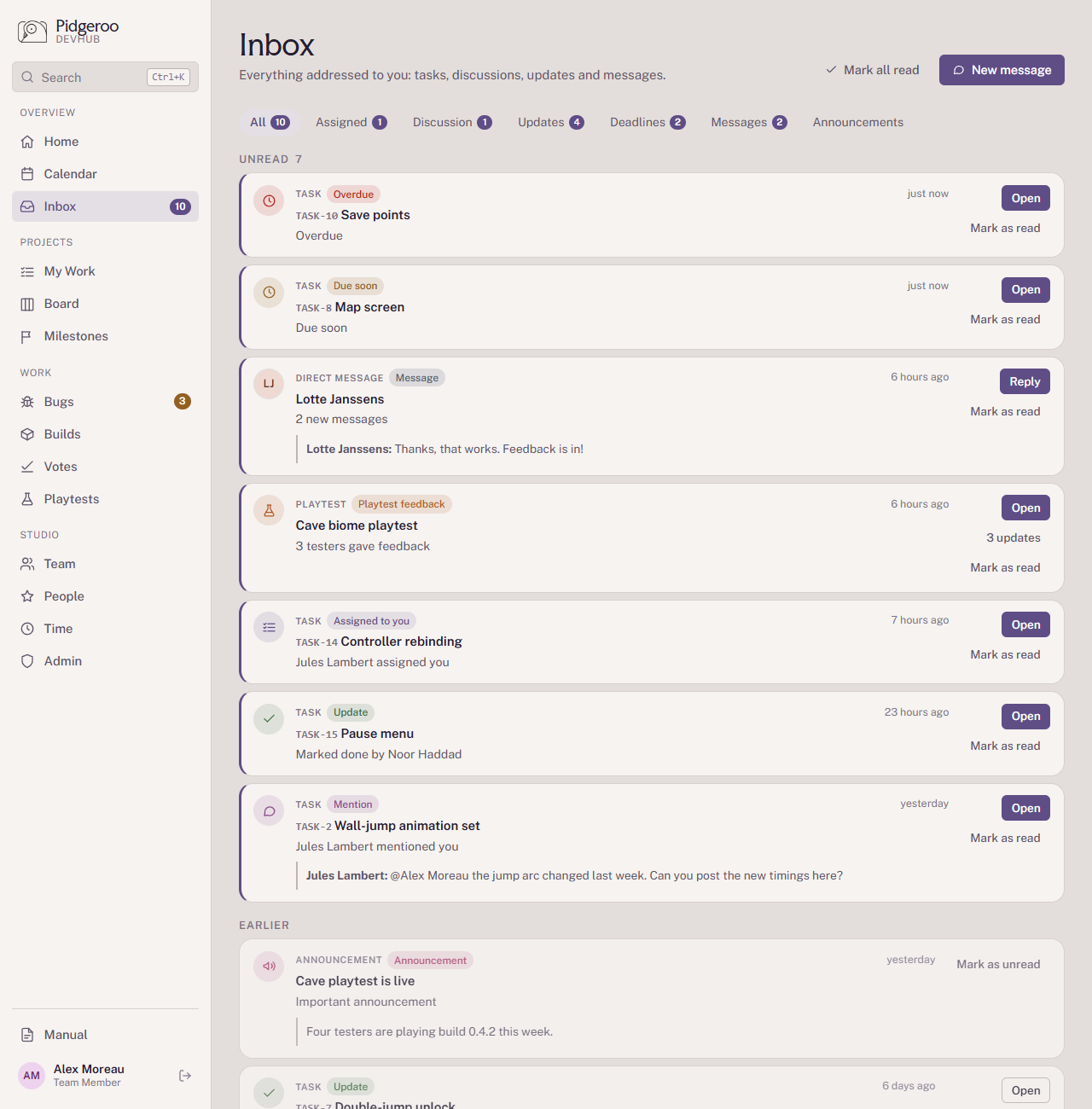
The tabs
| Tab | What you'll find |
|---|---|
| All | Everything below, unread first. |
| Assigned | Tasks someone put your name on (or you did yourself). |
| Discussion | Comments on tasks: when someone @mentions you, and new comments on tasks you're assigned to. |
| Updates |
Progress on work you care about, in three groups:
|
| Deadlines | Reminders for your own tasks: Due soon (due today, tomorrow or the day after) and Overdue (the deadline has passed). |
| Messages | Direct messages between you and one other person. |
| Announcements | Announcements the admins marked as important. |
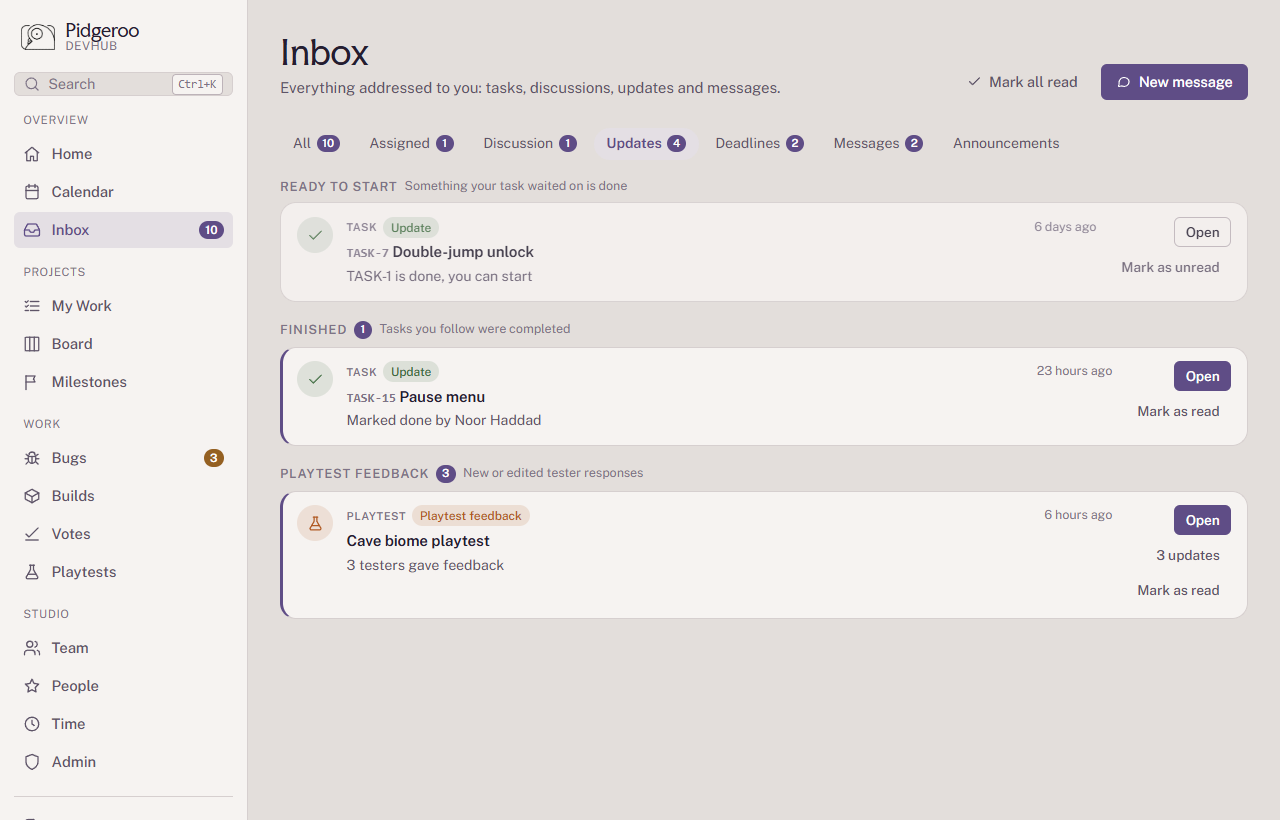
When and why you get each of these is explained under Projects → Who gets notified.
Discussion versus Messages
Discussion happens on a task, in its comments. Everyone working on the task can read it, it stays with the task, and it's the right place to talk about the work.
Messages are private one-to-one chats. They're mainly there for playtesting: testers can reach the team, and the team can follow up on feedback or a bug report.
A chat is only seen by two people and is easy to miss. Put decisions and questions about work in the task's discussion, or bring them up in a meeting.
Start a chat with New message. Team members can message anyone; externals and playtesters can message the team, and a playtester can always reach the points of contact of their playtest.
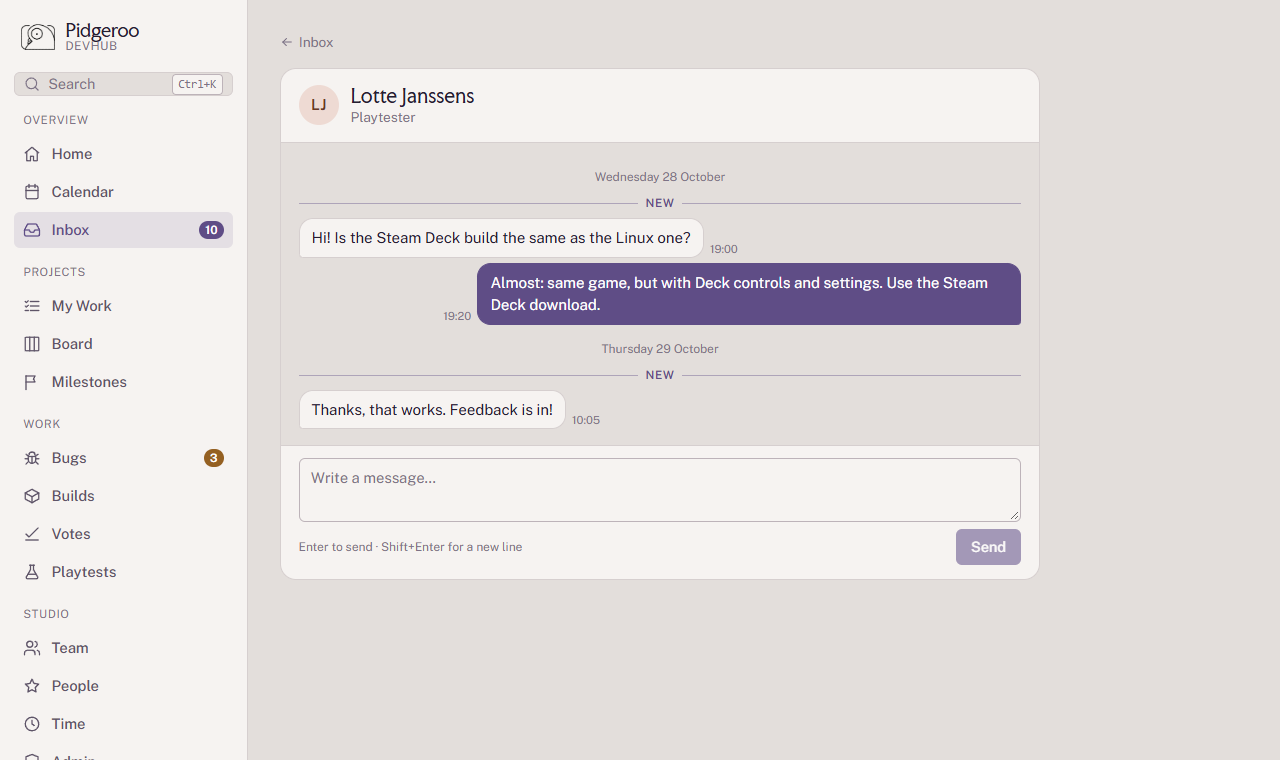
Read and unread
- Opening a task, or a chat, marks its items as read. So does Mark as read on the card.
- Mark as unread puts a card back on your list as a reminder.
- Mark all read clears everything at once.
Read items stay visible under Earlier for 30 days.